
Look beyond the weekly shop
Review recurring payments and everyday purchases together so that a busy week does not hide bills still to come.
Ulsa for adult family budgeting
Food shops, household bills and occasional costs do not all arrive together. Bring your own spending into one view and plan for the commitments you are responsible for.
For adults with UK bank accounts. Available now on iPhone.
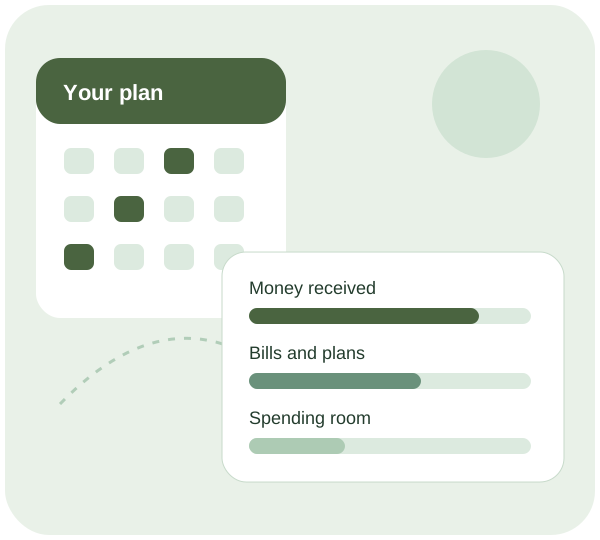
Make room for real life
Review recurring payments and everyday purchases together so that a busy week does not hide bills still to come.
Make a separate plan for annual and quarterly commitments. Recent spending alone will not show every expense that belongs in the household budget.
Decide with the other adults who covers each bill. Budgeting from your own account does not reveal another person’s accounts or automatically divide household costs.
Safe to spend, explained
Safe to spend is an estimate from the account data and plans available. It needs checking against household costs you know about, including bills another person expects you to contribute towards.
Treat the figure as an estimate. Missing transactions, a delayed bank update or a changed bill can alter it. Check what is covered before relying on it.
Read the safe-to-spend guideUlsa connects to supported UK banks through a regulated Open Banking provider. Ulsa cannot move your money or see your bank passwords. You choose whether to connect, and you can disconnect access.
How the bank connection worksHow your data is usedNo. Each adult manages their own account and bank permissions. This page does not promise automatic access to another adult’s accounts or shared control of their money.
This page is for adults budgeting for household costs. It is not an under-18 account or a service for monitoring a child’s spending.
Ulsa connects to UK banks through a regulated Open Banking provider with your permission. The connection is read-only: Ulsa cannot move money or see your bank password. It is available on iPhone, with Android coming soon.
A useful next read
A household bill review starts with understanding your current service, charges and contract. Check whether a payment is accurate, decide what the household needs and compare the full commitment before changing anything. Keep uncertain costs visible and update your budget only when a new arrangement has been confirmed.
For each annual or quarterly bill, record the expected cost, due date and money already reserved. Separate the ongoing average from what is needed before the next payment. Keep estimates labelled and review the gap when a new bill or renewal notice arrives.
A useful weekly budget review checks what changed, what must be paid next and what decision needs your attention. Keep the same simple routine, record uncertain items and finish with a manageable action. The review should help you use your budget, rather than become another task to avoid.
Start with a clearer view
Review your connected spending and build a plan around your commitments.
See plans and featuresThis page is general information, not financial advice.