
Begin with what is available
Use received money as the starting point for spending decisions. Keep possible future shifts separate until their payment is available.
Ulsa for people on zero-hours contracts
A budget can start with the money you have, even when future hours are unclear. Keep regular commitments visible and review the plan as work and pay change.
For adults with UK bank accounts. Available now on iPhone.
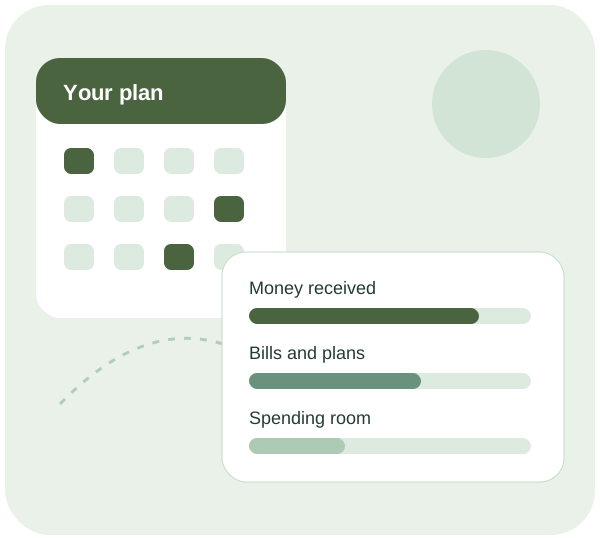
Make room for real life
Use received money as the starting point for spending decisions. Keep possible future shifts separate until their payment is available.
Review bills and essential costs that fall before the next likely pay date, including costs that are easy to overlook during a busy week.
Your recent spending gives you a reference for the next review. Revisit the plan when hours change rather than expecting an uncertain forecast to stay accurate.
Safe to spend, explained
Safe to spend is based on available data and included commitments, not a guarantee of future income. If essential costs exceed the money available, an app cannot remove that shortfall.
Treat the figure as an estimate. Missing transactions, a delayed bank update or a changed bill can alter it. Check what is covered before relying on it.
Read the safe-to-spend guideUlsa connects to supported UK banks through a regulated Open Banking provider. Ulsa cannot move your money or see your bank passwords. You choose whether to connect, and you can disconnect access.
How the bank connection worksHow your data is usedNo. It can help you review the position you know today, but it cannot predict shifts or make an uncertain payment available.
A budgeting app cannot resolve an income shortfall. Consider the free guidance available from services such as MoneyHelper or Citizens Advice, particularly before falling behind on important bills.
Ulsa connects to UK banks through a regulated Open Banking provider with your permission. The connection is read-only: Ulsa cannot move money or see your bank password. It is available on iPhone, with Android coming soon.
A useful next read
A zero-hours budget describes money at different stages: possible shifts, completed work and pay received. Separating those stages makes income uncertainty visible. Dates and necessary costs matter as much as the expected wage, especially when a quiet rota follows a busy pay period.
A tight-budget review starts with the essentials your household actually needs and the income available to cover them. Separate timing problems from an overall shortfall, check possible support carefully and keep serious payment difficulties visible. A budget can reveal constraints without pretending they disappear.
An irregular income budget connects the money available now with the costs it must cover before reliable income arrives. Keep confirmed payments separate from forecasts, place commitments on their real dates and make shortfalls visible so the plan reflects what is actually possible.
Start with a clearer view
Review your connected spending and build a plan around your commitments.
See plans and featuresThis page is general information, not financial advice.