
See the recurring commitments
Understand the bills that need covering even when the rota is lighter, alongside the everyday spending you can review.
Ulsa for shift workers
Changing hours can mean changing pay. Use your spending history to plan the essentials, then review what is available when wages arrive.
For adults with UK bank accounts. Available now on iPhone.
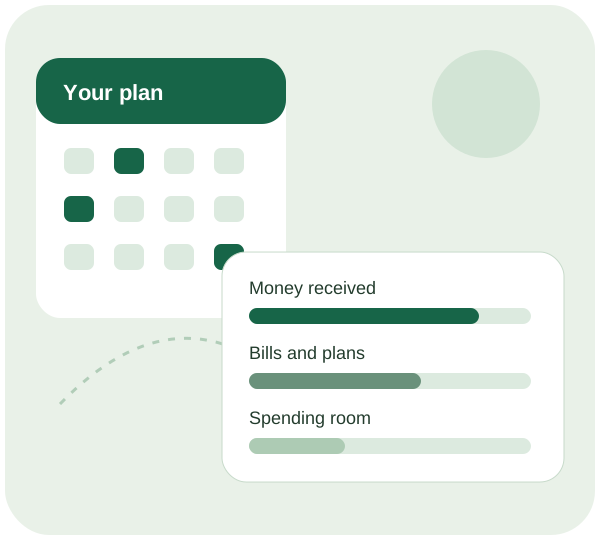
Make room for real life
Understand the bills that need covering even when the rota is lighter, alongside the everyday spending you can review.
Overtime and extra shifts are not money available until paid. Use them to update your plan when they arrive.
Review what changed in your wages and which bills fall before the next pay date, rather than carrying last month’s assumptions forward.
Safe to spend, explained
The safe-to-spend estimate uses available data and included bills and plans. It cannot know whether a future shift will happen or whether an extra payment will arrive on time.
Treat the figure as an estimate. Missing transactions, a delayed bank update or a changed bill can alter it. Check what is covered before relying on it.
Read the safe-to-spend guideUlsa connects to supported UK banks through a regulated Open Banking provider. Ulsa cannot move your money or see your bank passwords. You choose whether to connect, and you can disconnect access.
How the bank connection worksHow your data is usedKeep it separate from money already available. You can plan for different possibilities, then update your spending plan when the payment is confirmed and received.
Write down both sets of dates and check the gaps between them. A payday view and a calendar-month view can answer different questions; neither makes unpaid wages available sooner.
Ulsa connects to UK banks through a regulated Open Banking provider with your permission. The connection is read-only: Ulsa cannot move money or see your bank password. It is available on iPhone, with Android coming soon.
A useful next read
A shift worker's budget separates confirmed take-home pay from planned hours and uncertain extras. It also connects payday timing with household bills and the costs of working each rota. This makes changes easier to explain without assuming every busy week produces immediately available money.
A calendar-month budget groups activity into familiar months. A payday budget follows the interval between income payments. They describe the same money from different angles. The important distinction is which costs each period contains, how balances carry forward and whether payment dates remain visible.
A cash-flow calendar puts income and payments in date order. It helps reveal whether a difficult week comes from payment timing, an overall shortfall or both. Include everyday spending, uncertain income and transfers between accounts to make the picture useful.
Start with a clearer view
Review your connected spending and build a plan around your commitments.
See plans and featuresThis page is general information, not financial advice.